
Variable design
Names, types, VP, arrays, and initial values for the device; stored in .uiproj.
Open Variable design from the menu or toolbar. Define C types, array sizes, and initial values for the panel and the host protocol. OK writes .uiproj for control bindings and Export code.
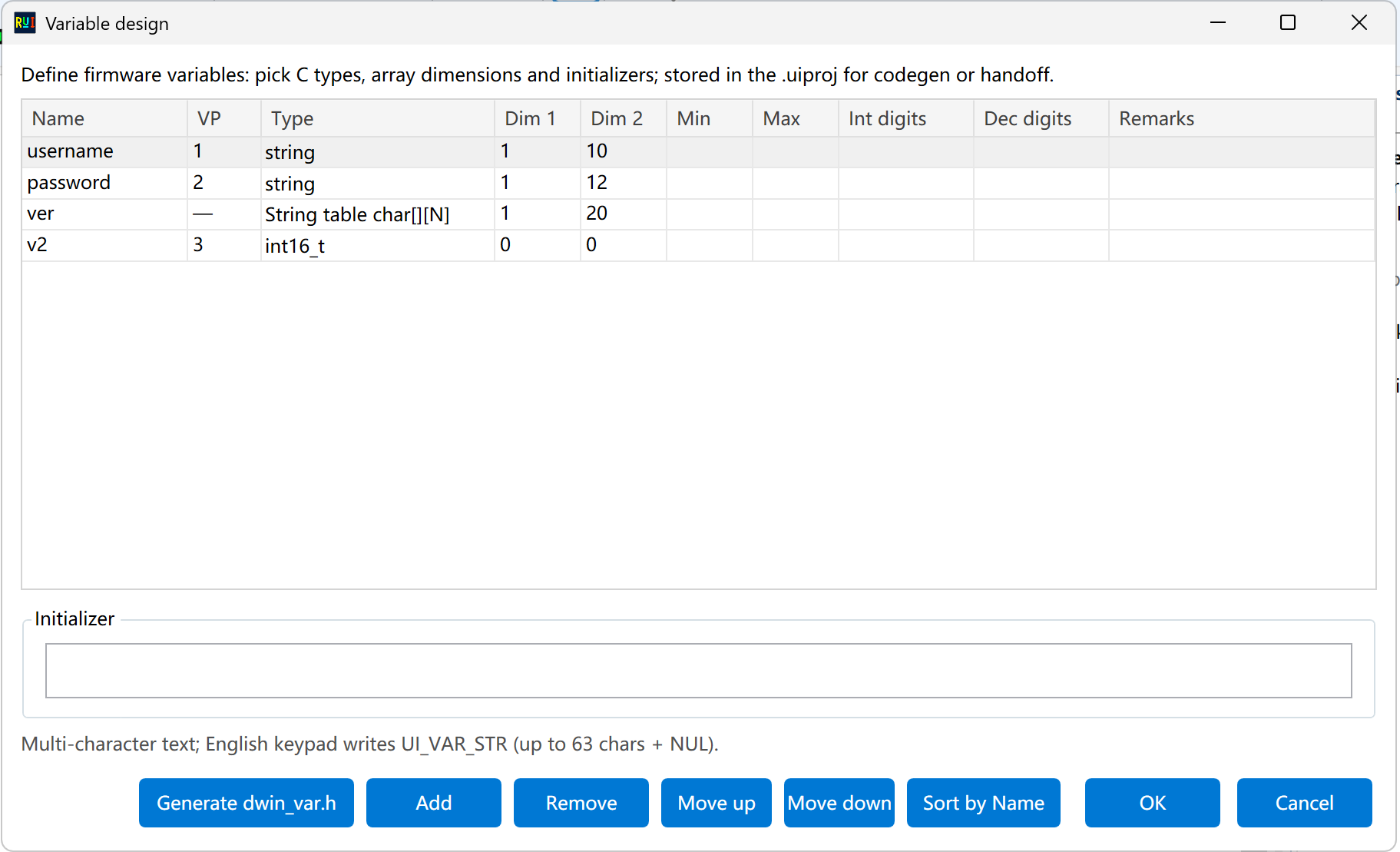
Columns you change
| Column | Role |
|---|---|
| Name | What bindings show. After a rename the app rebinds by name — still open each control |
| VP | Wire address (read-only). Bindable scalars from 1; nameless or arrays show — |
| Type | I32, bool, float, string, string table, and so on |
| Dim 1 / 2 | Array or string buffer. For strings, dim 2 is capacity |
| Min / max | Range for sliders and progress bars |
| Integer / decimal digits | How associated soft/embedded text shows numbers |
| Remark | For you |
Initialization under the table is the current row’s default. Multi-character text via the English keypad maps to UI_VAR_STR (about 63 characters + NUL).
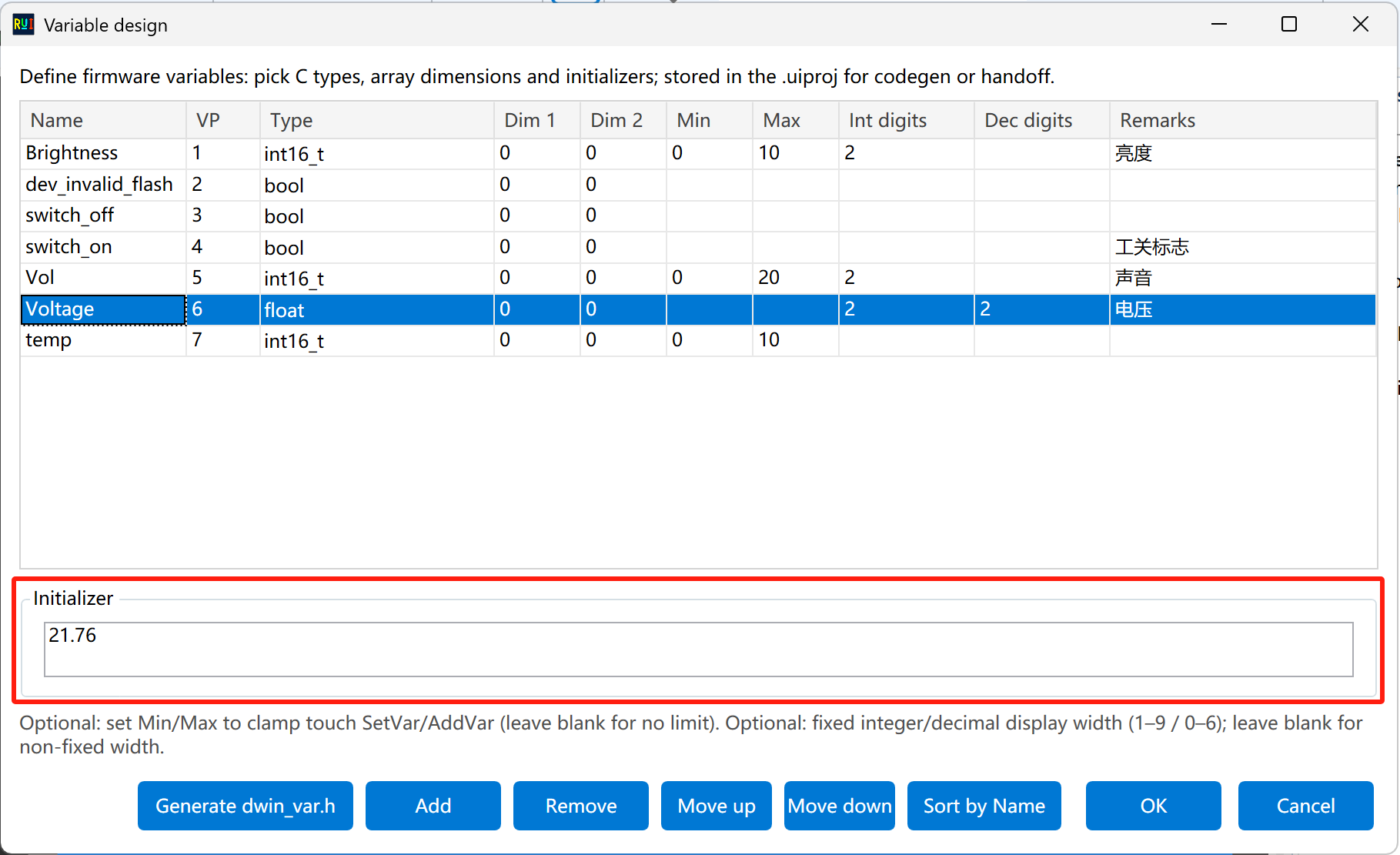
Buttons
Add / Delete / Up / Down / Auto arrange change order. Order drives VP and dropdown index — check bindings after a shuffle.
Generate dwin_var.h is for the product host, not the panel. The panel uses UI_VAR_* from UIMap. See HMI UART.
Touch areas, sliders, switches, and labels bind this table by dropdown index. Digit width and prefixes travel with refresh associations. The main window also has a read-only Variable table tab; double-click opens this window.
Overview: Variables and callbacks.